
Gift Cards can only be redeemed in a browser - they can't be redeemed in the Roblox apps.
Step 1 :
Log into your account on a browser (https://www.roblox.com/).
Step 2 :
Go to the Gift Card Redemption Page
Step 3 :
Enter PIN Code then select "Redeem".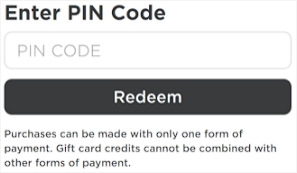
Step 4 :
Go to the https://www.roblox.com/premium/membership (to buy membership) or https://www.roblox.com/upgrades/robux (to buy Robux).
Step 5 :
Select the product you want (membership/robux).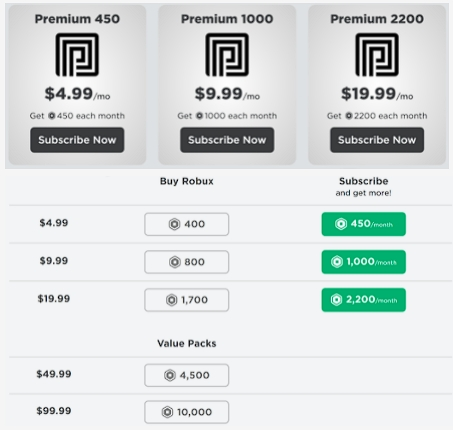
Step 6 :
Select "Redeem Roblox Card" then select "Continue".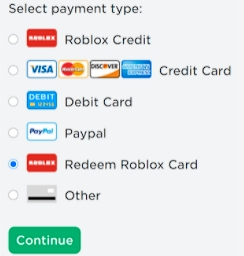
Step 7 :
Select "Submit Order", do not re-enter your PIN code if you have redeemed it before.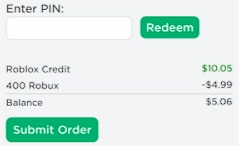
Your transaction has been successful.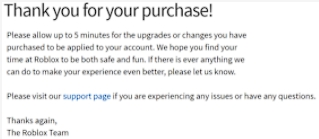
Comments
0 comments
Please sign in to leave a comment.