
PC/Mac
- Visit the https://www.epicgames.com/fortnite/en-US/vbuckscard website (make sure your account is logged in first)
- Click "GET STARTED".
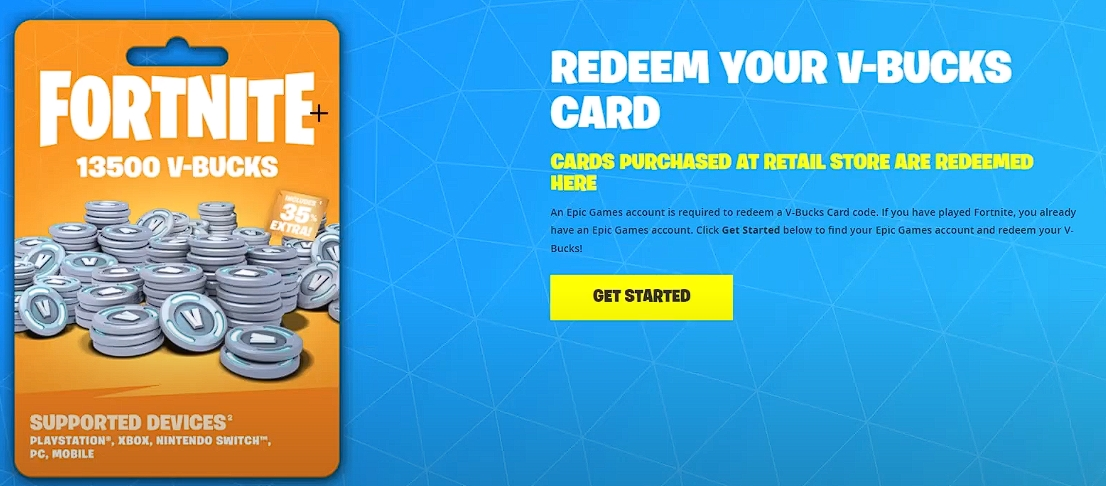
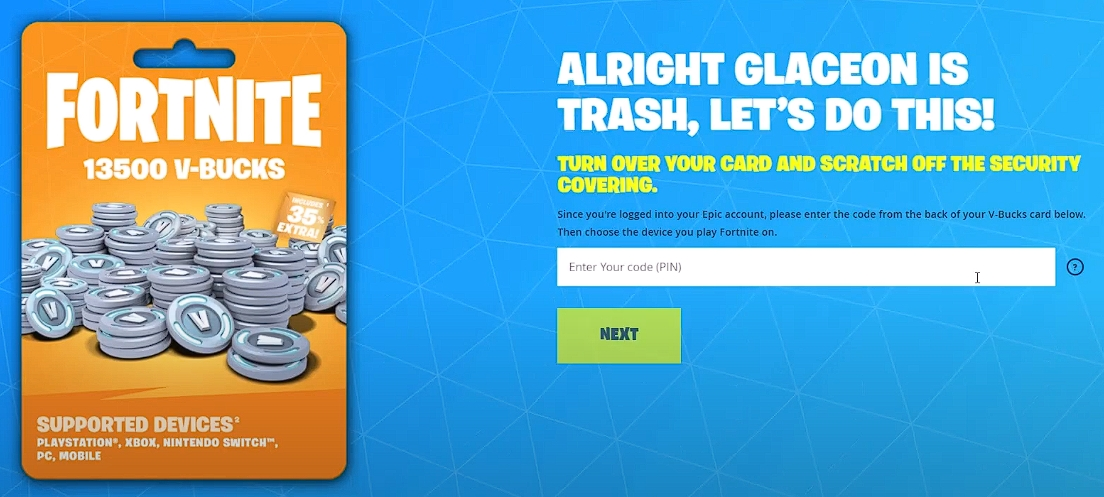
- Enter your PIN code, then click "NEXT".
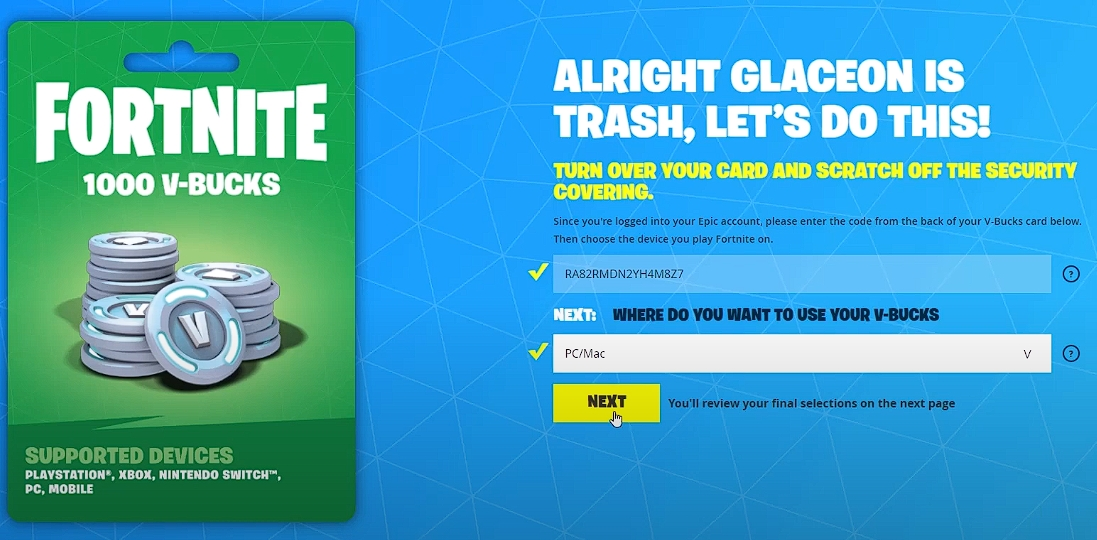
- Select a platform by using PC/Mac and click "NEXT".
- Click "CONFIRM".
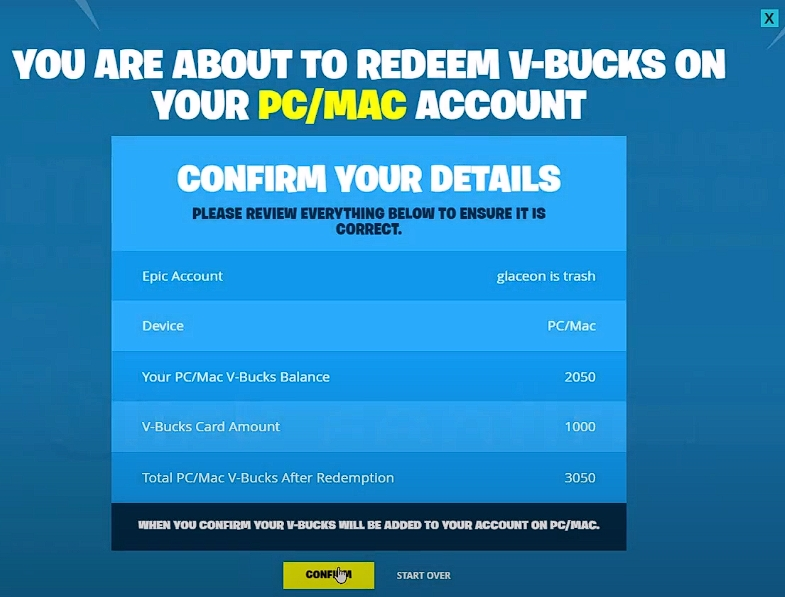
- Redeem has been successful and now you have VBUCKS!.
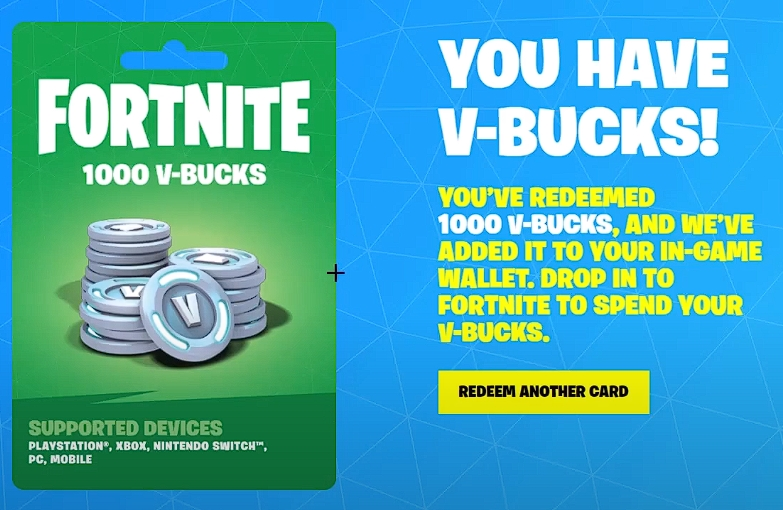
Mobile (iPhone, iPad, or Android)
- Visit the https://www.epicgames.com/fortnite/en-US/vbuckscard website (make sure your account is logged in first)
- Click "GET STARTED".
- Enter your PIN code, then click "NEXT".
- Select the platform by using Mobile (iPhone, iPad or Android) and click "NEXT".
- Click "CONFIRM".
- Redeem has been successful and now you have VBUCKS!
Nintendo Switch
- Visit the https://www.epicgames.com/fortnite/en-US/vbuckscard website (make sure your account is logged in first)
- Click "GET STARTED".
- Enter your PIN code, then click "NEXT".
- Select a platform by using Nintendo Switch and click "NEXT".
- Click "CONFIRM".
- Redeem has been successful and now you have VBUCKS!
Xbox
- Visit the https://www.epicgames.com/fortnite/en-US/vbuckscard website (make sure your account is logged in first)
- Click "GET STARTED".
- Enter your PIN code, then click "NEXT".
- Select the platform by using Xbox and click "NEXT.
- Click "CONFIRM".
- Copy the Xbox Code.
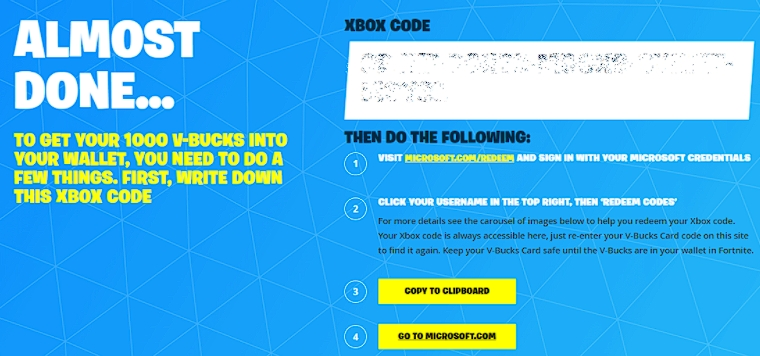
- Visit Microsoft.com/redeem and sign in with your Microsoft account.
- Click on your username at the top right, then "Redeem Code".
- Enter the code (from step 6), then click "Next".
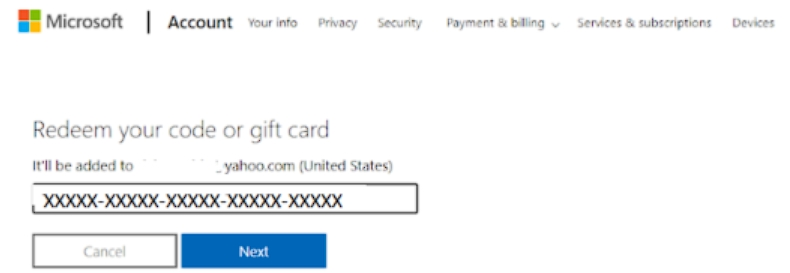
- Click "Confirm".
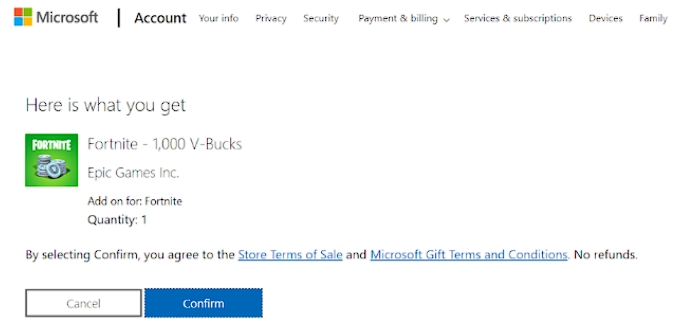
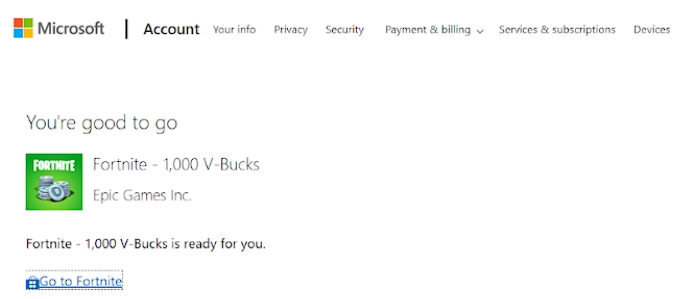
- Redeem has been successful, now you have VBUCKS!
Comments
0 comments
Please sign in to leave a comment.