
Follow these simple steps to purchase using U Mobile:
1. Visit www.UniPin.com and choose a game to Top Up with.

2. Input your User ID.
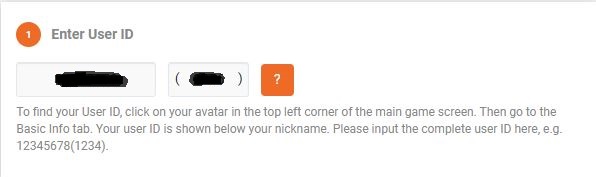
User ID is located in your game profile.

3. Choose desired denomination.
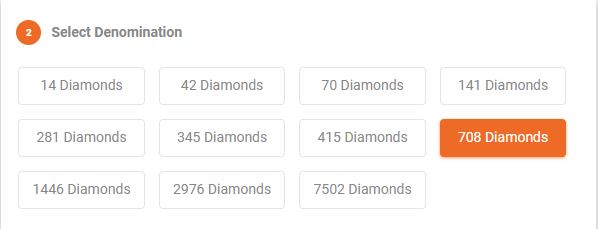
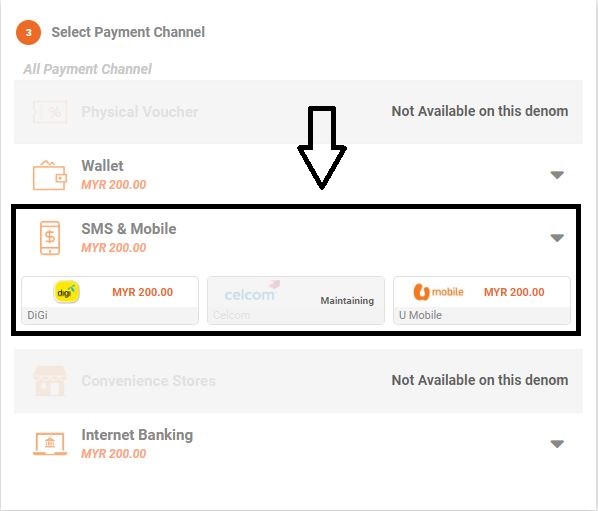
4. Choose "SMS & Mobile", and then choose "U Mobile".
5. Input your U Mobile phone number and press Confirm.
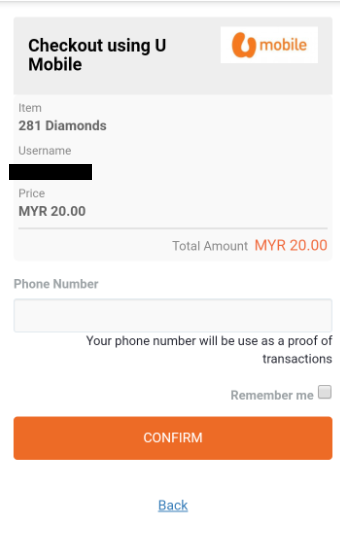
6. U Mobile will be sending a PIN to your phone number. Input the PIN and press Pay Now.
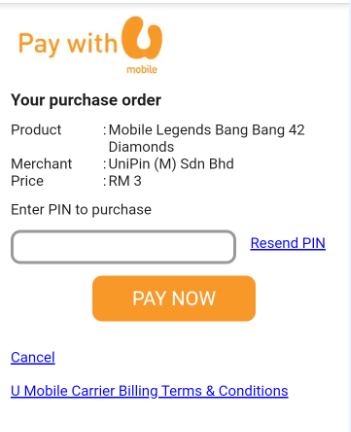
7. Congratulations! You have completed the transaction successfully. Your item will be sent to you shortly.
Comments
0 comments
Please sign in to leave a comment.