
Follow these easy steps to make transactions using Affin Bank:
1. Visit www.UniPin.com and choose game to Top Up with.

2. Input your user ID.
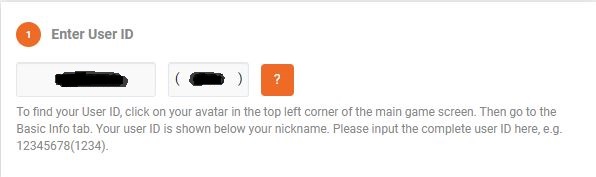
User ID can be found in your game profile.

3. Choose the desired denomination amount.
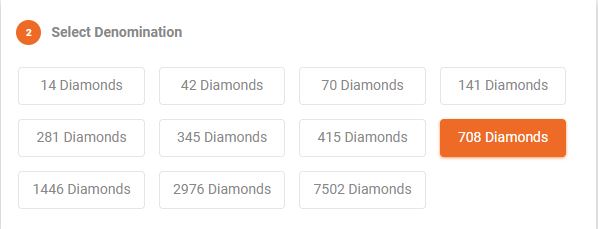
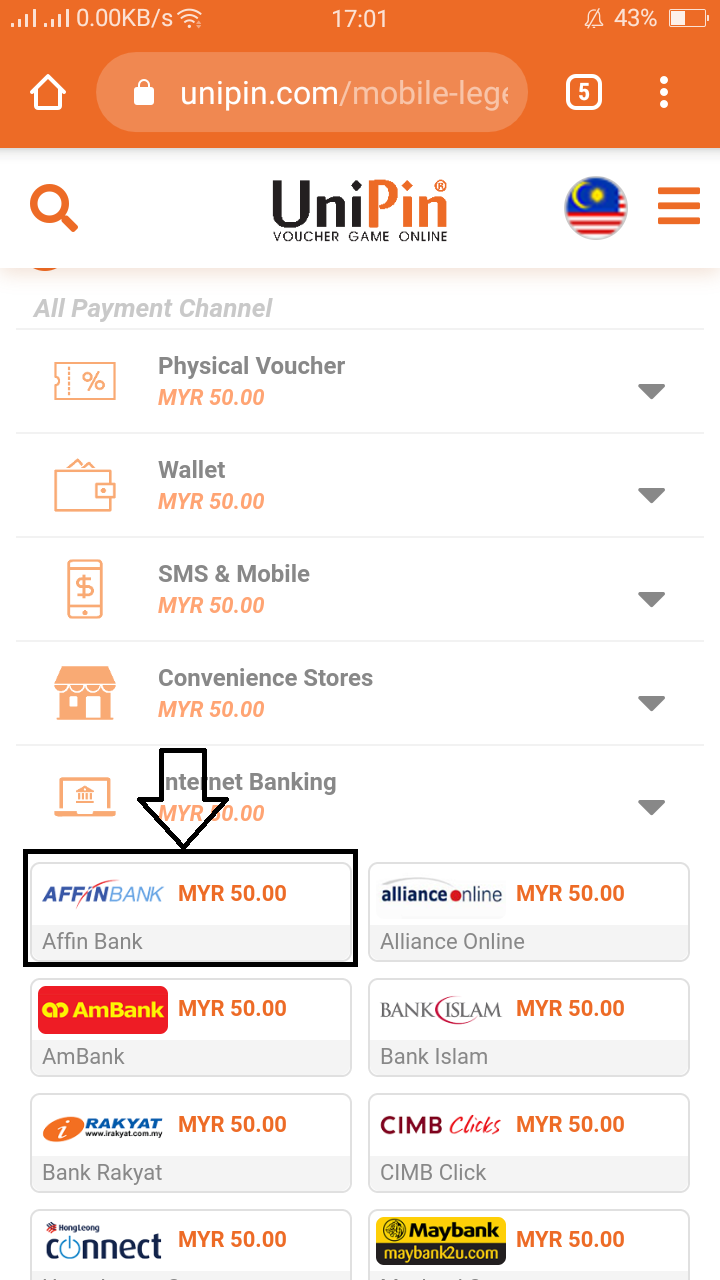
4. Select Internet Banking payment channel and choose Affin Bank.
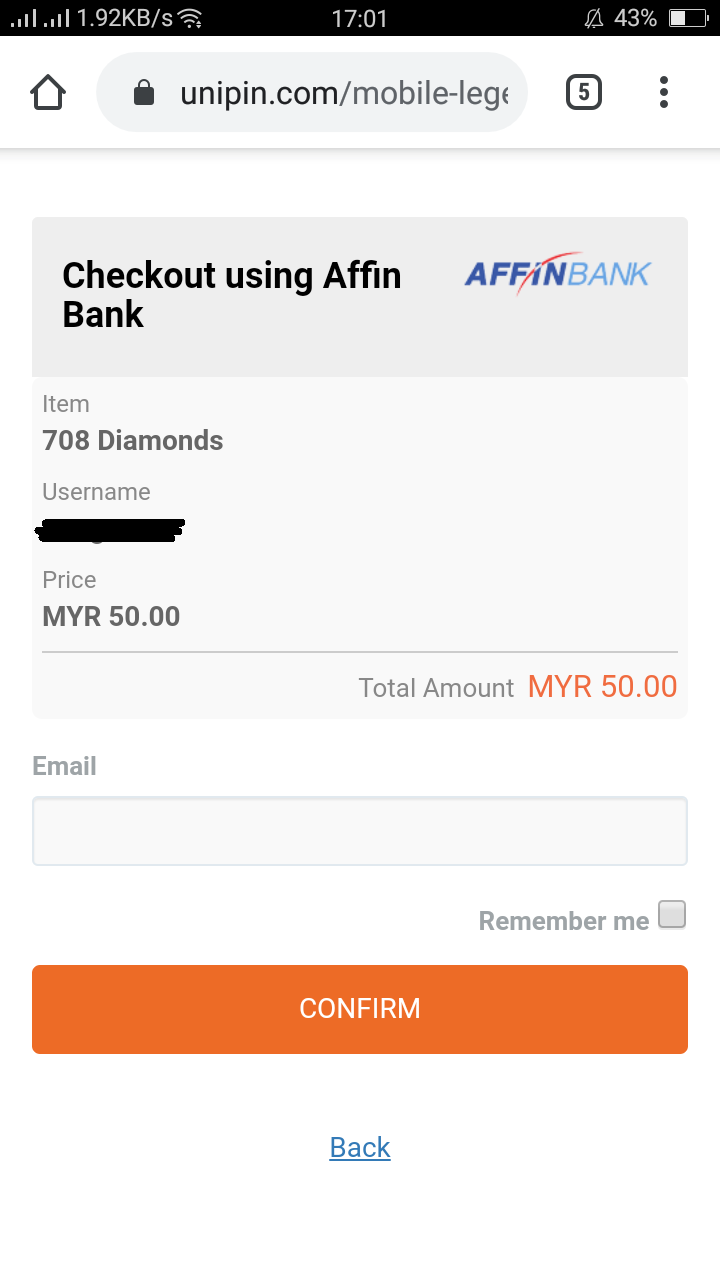
5. Input your email and press the confirm button.
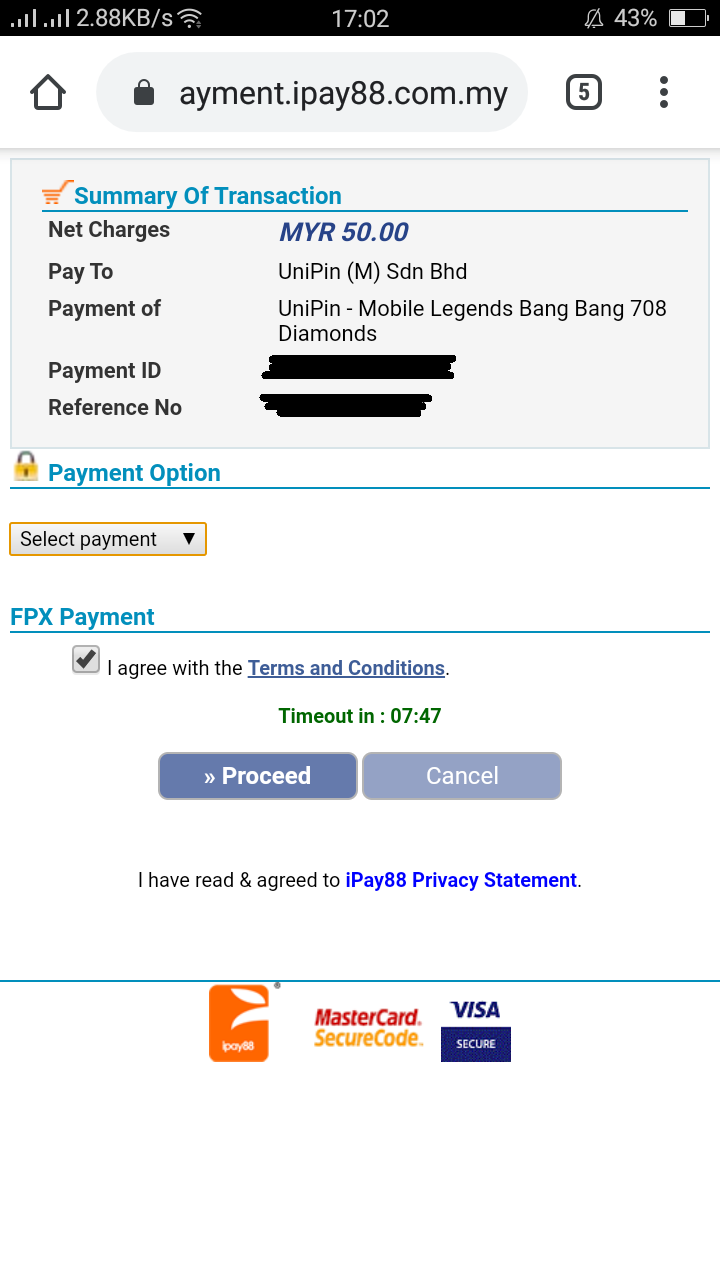
6. Check the Terms and Conditions at Ipay88 page. Checkbox and kindly press the proceed button.
7. Complete your Internet Banking payment in Affin Bank site.
8. Your transaction is processing and the item will send to you after payment successful.
Comments
0 comments
Please sign in to leave a comment.